



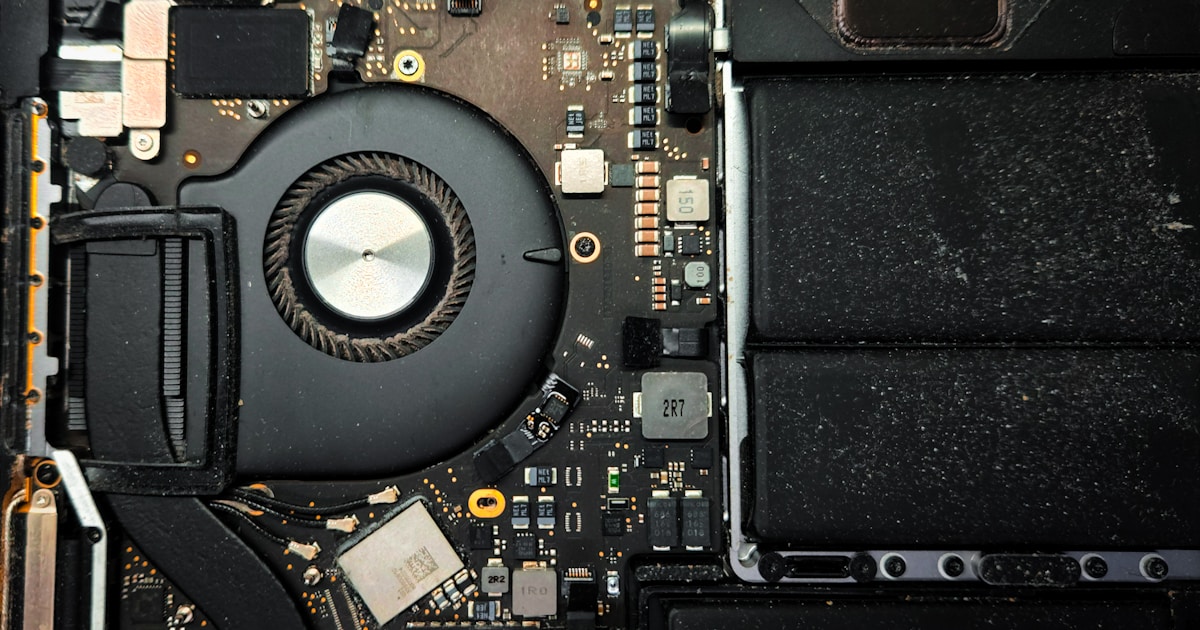
The MacBook M3 A2992 is known for its advanced capabilities, but even the most sophisticated devices can face technical issues. One common issue users encounter is a boot error related to the SSD. Understanding the causes and potential solutions can help in managing this situation effectively.
Understanding Boot Errors on MacBook M3 A2992
The term "boot error" often denotes a failure in the system’s ability to start up correctly. For a MacBook, this can manifest as a blank screen, a folder with a question mark, or an endless loop of restarting. These indicators suggest that the system cannot locate or access the operating system from the SSD.
Common Causes of Boot Errors
Boot errors on the MacBook M3 A2992 can stem from several issues:
- Corrupted SSD Files: Damage or corruption in crucial system files can prevent the MacBook from loading the OS.
- Hardware Malfunctions: Physical issues with the SSD or its connections may disrupt the boot process.
- Software Conflicts: Recent installations or updates may result in compatibility issues.
Initial User-Level Checks
Before seeking professional assistance, users can perform basic checks to diagnose the problem:
- Restart the MacBook: Simple restarts can sometimes resolve minor glitches.
- Check for Power Issues: Ensure the MacBook is adequately charged and connected to a power source.
- Inspect Peripheral Connections: Remove any unnecessary peripherals as they might interfere with booting.
- Safe Mode Boot: Attempt to start the MacBook in Safe Mode, which can bypass certain issues allowing for troubleshooting.
When to Seek Professional Repair
If the above steps do not resolve the boot error, it might indicate a more profound hardware issue. At this stage, professional service is necessary. Trained technicians have the equipment to diagnose and repair hardware components without risking further damage.
Why Professional Service is Essential
Interventions involving internal components, such as the SSD, require specialized skills and tools. Attempting DIY repairs without proper knowledge can lead to permanent damage. Professional technicians not only resolve the issue but also ensure the longevity of your device by using correct procedures and adhering to safety standards.
For more details on similar issues, consider checking our article on MacBook M2 A2681 SSD Repair — Disk Not Recognized for additional insights.
Preventive Measures
Regular maintenance and certain practices can prevent future boot issues. Keep your MacBook’s software updated, avoid installing unverified applications, and perform regular system backups. These measures not only safeguard data but also enhance system reliability.
In conclusion, while a boot error on the MacBook M3 A2992 can be concerning, understanding the problem and knowing when to seek professional help is crucial. Proper diagnosis and repair not only fix current issues but also prevent future complications.